The AI video trap: faster edits, forgettable brand
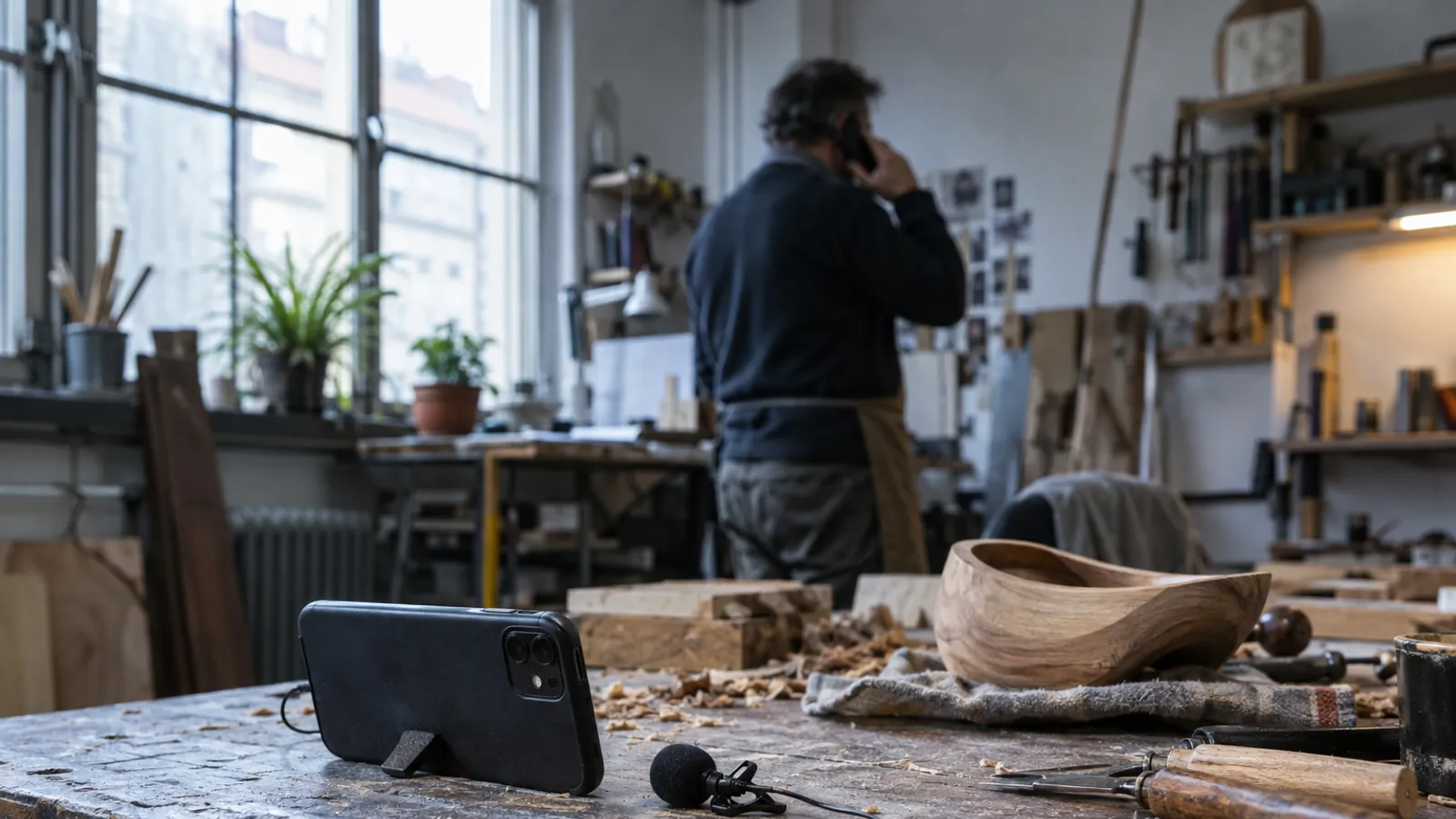
It’s just after midday. The phone is ringing in the shop, three quotes are waiting at the office, and the new product video has been sitting unedited on your phone for days. You know a short clip could show what makes your business different. You just haven’t had the time to turn a recording into a finished brand video. AI is making video easier to produce. But when editing gets easier, how do you stop every video looking the same?
The bottleneck often comes after filming
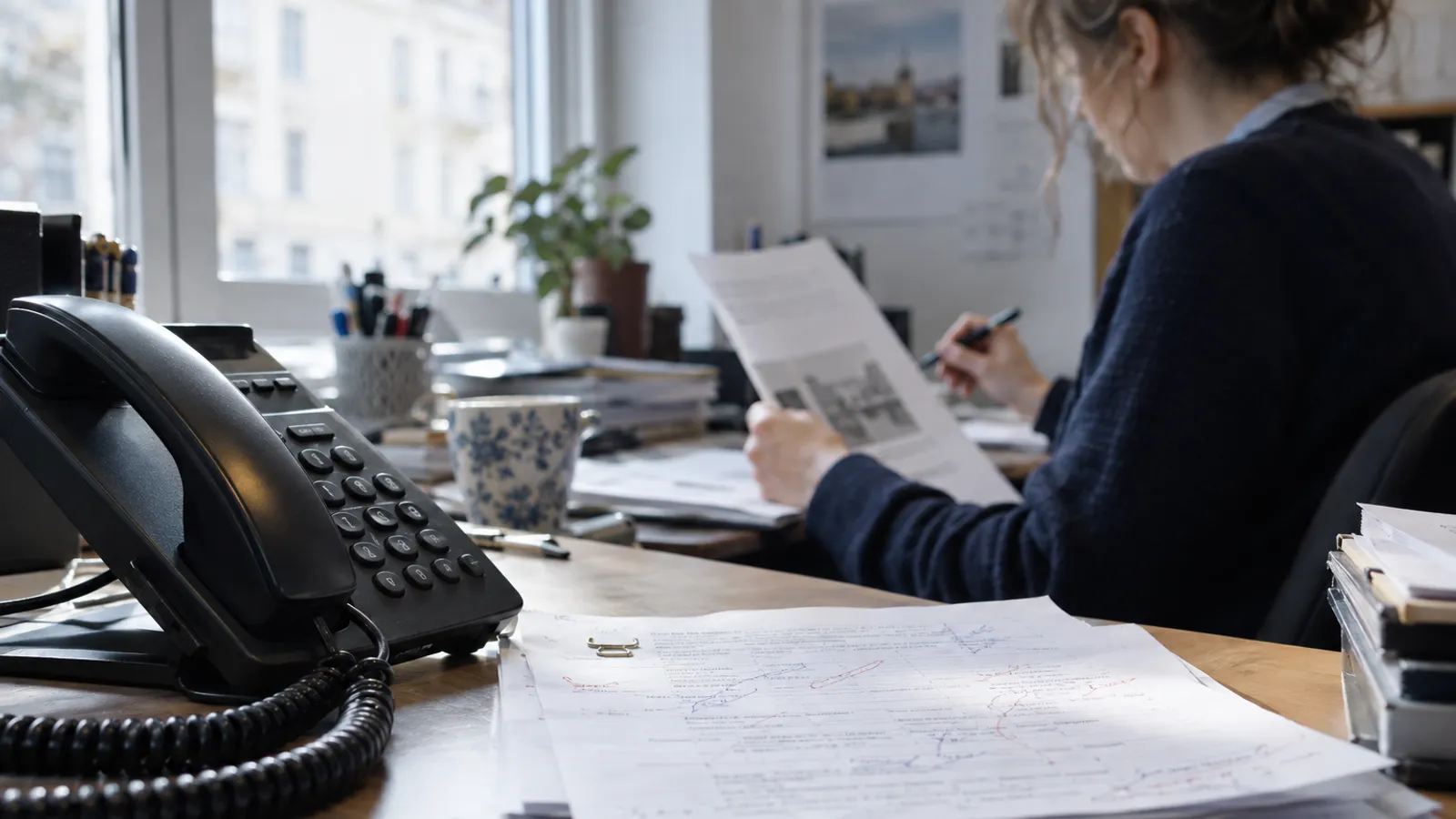
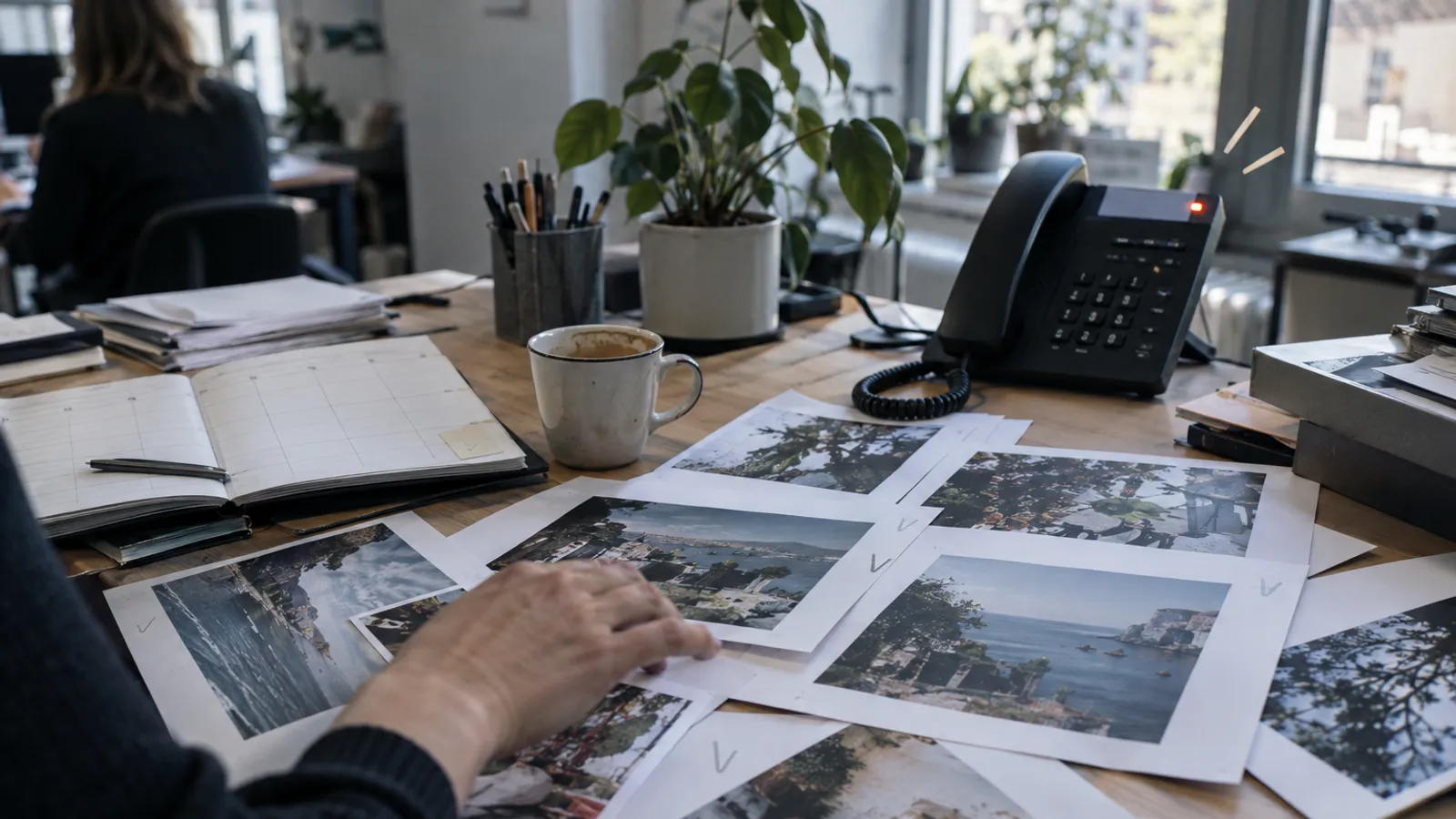
Many businesses have no trouble getting in front of a camera. The owner of a specialist shop can explain a new product in a minute. A service technician knows the question customers ask most often. Someone on the recruitment team could give a convincing picture of an open role. Then the work begins: finding the pauses, cutting out mistakes, adding subtitles and preparing the video for different channels.
For a small business, that job can quickly land in the evening with the person who already does everything else. In a medium-sized business, raw footage piles up across departments while one marketing colleague tries to coordinate approvals and publishing. Larger companies face the same bottleneck, with more people and brand guidelines between the recording and the finished clip.
Often, the result is that the video quietly gets dropped. It is postponed even though the moment has passed, or rushed out looking out of place beside the rest of the brand. AI can take some of the editing work off your hands. It cannot automatically answer the question of why anyone should give this particular video their attention.
Attention means more than reach
A clip can reach plenty of people and still fail to register. In an article on measuring media use, McKinsey emphasises the quality of attention, not just the number of viewers reached. That is a useful shift for businesses: a video is not successful simply because it has been published or appeared in someone’s feed.
The job the video needs to do matters. Should a customer understand how a service works? Should a candidate get a feel for a typical working day? Could a video answer a common sales question before it takes up time at the next meeting? The clearer the purpose, the easier it is to keep the clip short and useful.
In the survey discussed by McKinsey, 80 per cent of social video consumers watched videos alone. That does not prove every audience watches every video with the sound off. It is a reminder to think about subtitles and clear visuals. When attention is limited, the opening needs to address a real question. Which question from your day-to-day business could your video answer?
A faster edit does not make a brand
The risk is not that a video was edited with AI. It is that every video gets the same frantic zooms, generic graphics and out-of-place music. A trades business, an accountancy firm and a hotel should not look and sound as if their clips came from the same template.
A recognisable style comes from choices a team makes consistently. Which colours and typefaces suit your business? How directly do you speak? Which graphics genuinely help people understand? And when is it better to leave the shot alone? A quiet look around a workshop can be more convincing than an effect that adds movement for its own sake.
AI video and image providers are working on ways to give users more control. VentureBeat, for example, has described Inkitt’s effort to make different models more controllable within a production system. Another approach covered there, Magnific One, can apply visual brand guidelines to generated images and check for deviations. These are examples of a direction, not a guarantee of good brand management. Who decides what feels right for your business?
You do not have to start with a camera
The thought of producing a polished video can hold teams back unnecessarily. A short piece to camera may be enough if it answers a specific question. An adviser could talk through a common mistake in a customer conversation. A business could show how it prepares for a job. A team could explain what candidates can expect at a first interview.
AI editing tools can remove pauses and mistakes from a recording, add subtitles and insert suitable graphics or zooms. Some also accept a voice recording or text as a starting point. That can make production easier, but you are still responsible for what the video says. An automatically inserted figure or badly chosen crop can quickly undermine it.
A phone video may be enough for a small business if the sound and message are clear. A larger organisation may need an agreed process so that footage from different departments is not handled from scratch every time. Either way, check the clip before it goes live: are the names and figures correct? Is the message still accurate? Does the video fit your brand?
What this means for your business
No one needs to present a new video strategy next Monday. Pick a question customers ask regularly and test a short clip that answers it. Give one person responsibility for recording, approval and publishing. Also make clear who checks the accuracy of any specialist claims.
Before you start, agree a simple visual framework. For example, decide which colours and typefaces are allowed, how subtitles should look and which music or effects to avoid. Keep it short enough for colleagues to read before filming. In a larger team, add an approval step so each department does not develop its own visual style.
Do not measure views alone. Ask whether customers come back with fewer questions, whether candidates have a better sense of everyday work or whether a clip helps in sales conversations. These are not the same measures for every business. They can still show whether the video is doing a job or simply filling the publishing calendar.
Klarframe Motion is one possible way to support this process. The tool edits uploaded videos, voice recordings or text, adding features including cuts and subtitles. Before using it, check that its workflow, output and handling of recordings meet your requirements. Which type of video could you test without changing your whole communications approach?
The final check is still a human one
An automatically edited clip can look polished and still contain a mistake. A figure may stay on screen for too long. A graphic may cover someone’s face. A cut may make a sentence sound harsher than the speaker intended. The technology can take care of editing tasks; it does not automatically understand the consequences of a promise that could be misunderstood.
Decide in advance who checks the video before it is published. In a small business, that may be the person responsible for the content. Larger teams may also need clear approval from brand, legal or data protection colleagues, depending on the subject. If you record customers, staff or job candidates, they should also know what data is being processed and who can access the footage.
If you use an AI voice or fully generated content, consider whether you need to tell your audience. With real recordings, make sure the person on camera knows how the footage will be used. The easier videos are to produce, the more care their use requires. Who will make that final check in your business?
Frequently asked questions
How can AI create short brand videos?
AI tools can transcribe a recording, cut pauses and mistakes, and add subtitles or graphics. Depending on the tool, you may also be able to start with a voice recording or text. Your team still needs to check the result. The technology cannot take responsibility for your content, visual style or factual accuracy.
How do I keep AI videos consistent with my brand?
Before you start, decide which colours, typefaces and subtitle styles fit your brand, and which effects to avoid. Apply those rules to every clip and check the result before publishing. Automated brand guidelines can help, but they cannot decide whether the tone and message suit your business.
Does a small business need a film crew for social media videos?
Not necessarily. A phone recording can work for a short explanation or a look at everyday work, as long as the sound, message and lighting are clear. AI editing can reduce the work involved after filming. Professional support may still make sense for complex campaigns, sensitive subjects or especially high production standards.
What should I check before publishing an AI video?
Check names, figures and specialist claims. Make sure subtitles match the speech and graphics do not cover people or important information. Also check music, image rights, permissions and how personal data is handled. If you use AI voices or fully generated content, consider whether telling your audience is appropriate or required.
How do I measure whether a brand video is working?
Views alone tell you little about whether a clip is useful to your business. Add measures that fit its purpose, such as whether customers understand an explanation, ask fewer follow-up questions or get a clearer picture of the working day. The right measure depends on what the video is meant to do.
Interested?
Want to know what this means for your company?
Sources
- Klarframe: Klarframe Motion · klarframe.com
- A more accurate way to measure consumer engagement · McKinsey & Company, 2025-11-06
- Should your enterprise build a custom AI harness? Inkitt did for AI video — 5 key takeaways · VentureBeat, 2026-09-24
- Magnific One launches to give teams an image generator that avoids the 'AI look' and automatically upholds their brand kit · VentureBeat, 2026-10-08
This article was researched and written with AI assistance and automatically checked against the sources listed before publication. More on our AI transparency
Related solutions
- Klarframe Motion →
Upload a video, record just your voice or enter a text. The AI cuts pauses and slips, adds captions, graphics, zooms, sound effects and music, and delivers the finished video in a few minutes.
Klarframe AI Readiness Check
How ready is your company for AI?
About ten minutes, instant result with your stage, a 90-day plan, suitable solutions and notes on the EU AI Act.